Start my day
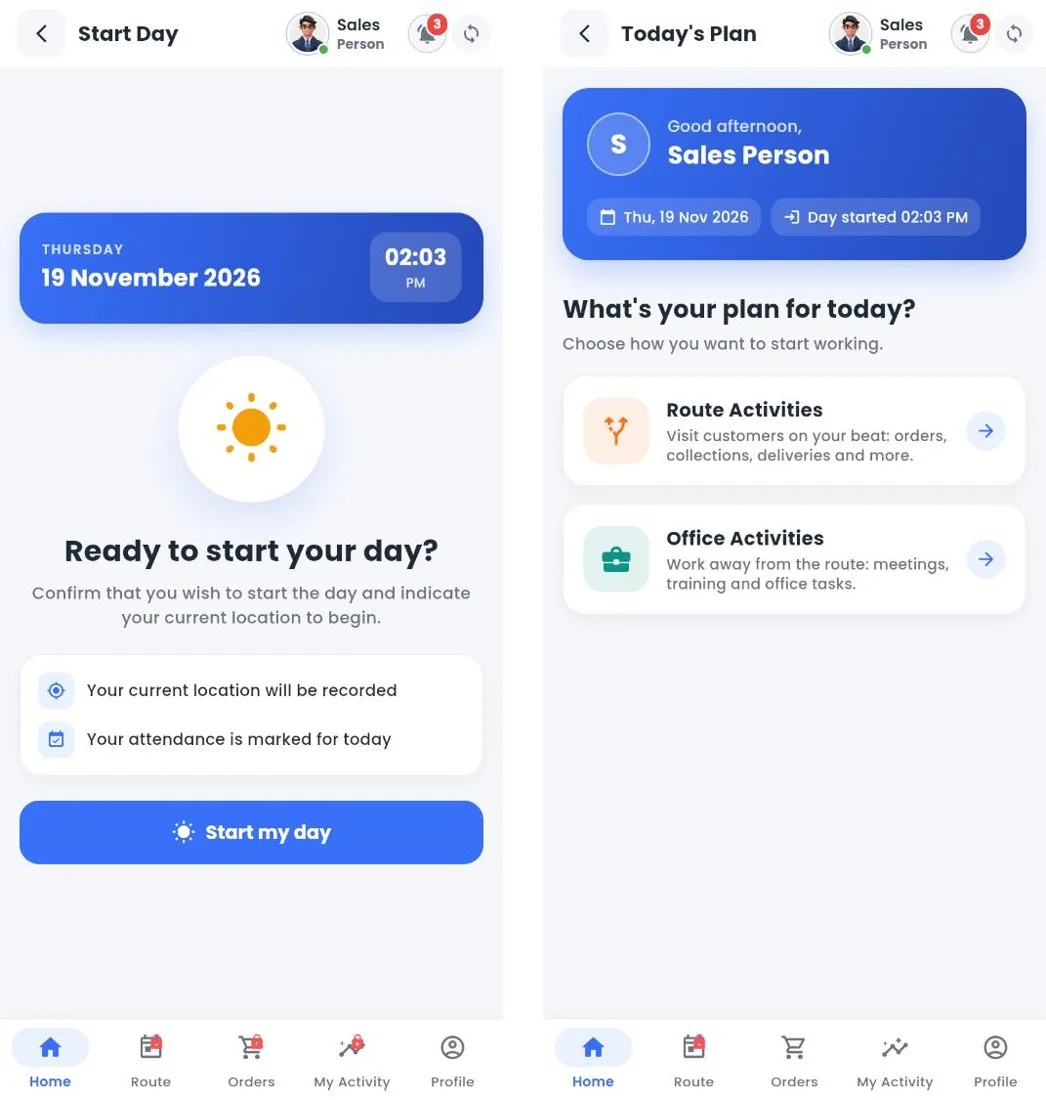
Start Day and Today's Plan
How to
- Tap Start on the dashboard.
- Check the date and time and tap Start my day. Your location is recorded and your attendance is marked. If your company requires it, take the attendance photo first.
- Today's Plan opens: choose Route Activities to visit customers, or Office Activities for work away from the route.
Tip
If you close the app or restart the phone, you carry on from where you left off; you do not start the day again.
Still stuck?
Message our support team on WhatsApp in English, Tamil, Malayalam or Hindi.