Office activities
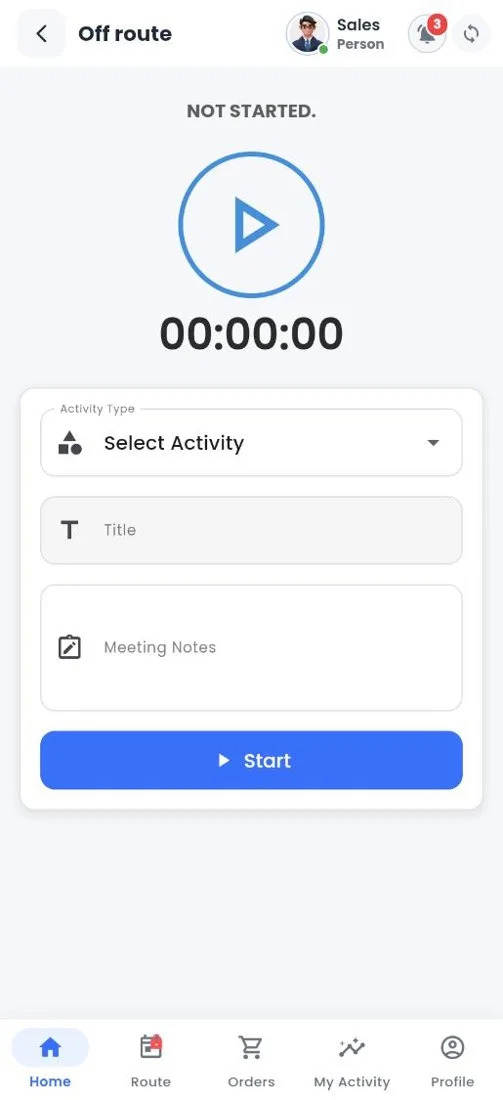
Office activity timer
How to
- Choose the Activity Type (for example training or a meeting), add a Title and Meeting Notes.
- Tap Start. The timer runs while the activity is in progress.
- Tap Stop when you finish. The activity is saved with its duration.
Still stuck?
Message our support team on WhatsApp in English, Tamil, Malayalam or Hindi.