Customer onboarding
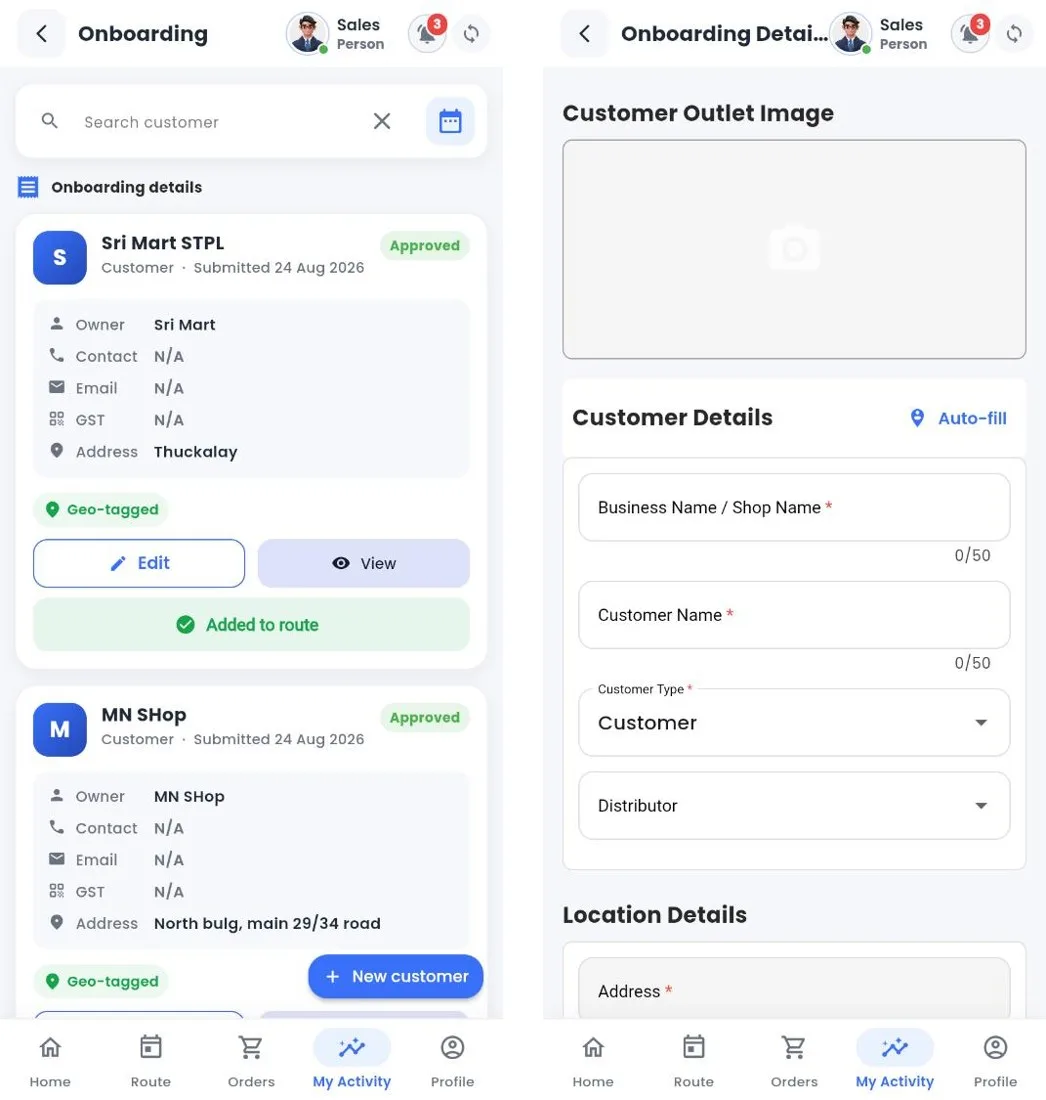
Onboarding list and new customer form
The list shows the customers you registered with their status (for example Approved), whether they are geo-tagged and whether they have been added to your route. New customer opens the form: outlet photo, business and customer name, customer type, distributor, location (tap Auto-fill to fill the address from your location), contact, business details and documents (registration, GST / tax certificate, address proof). The request is approved in Nexus before the customer becomes active.
Still stuck?
Message our support team on WhatsApp in English, Tamil, Malayalam or Hindi.