How the survey score is worked out
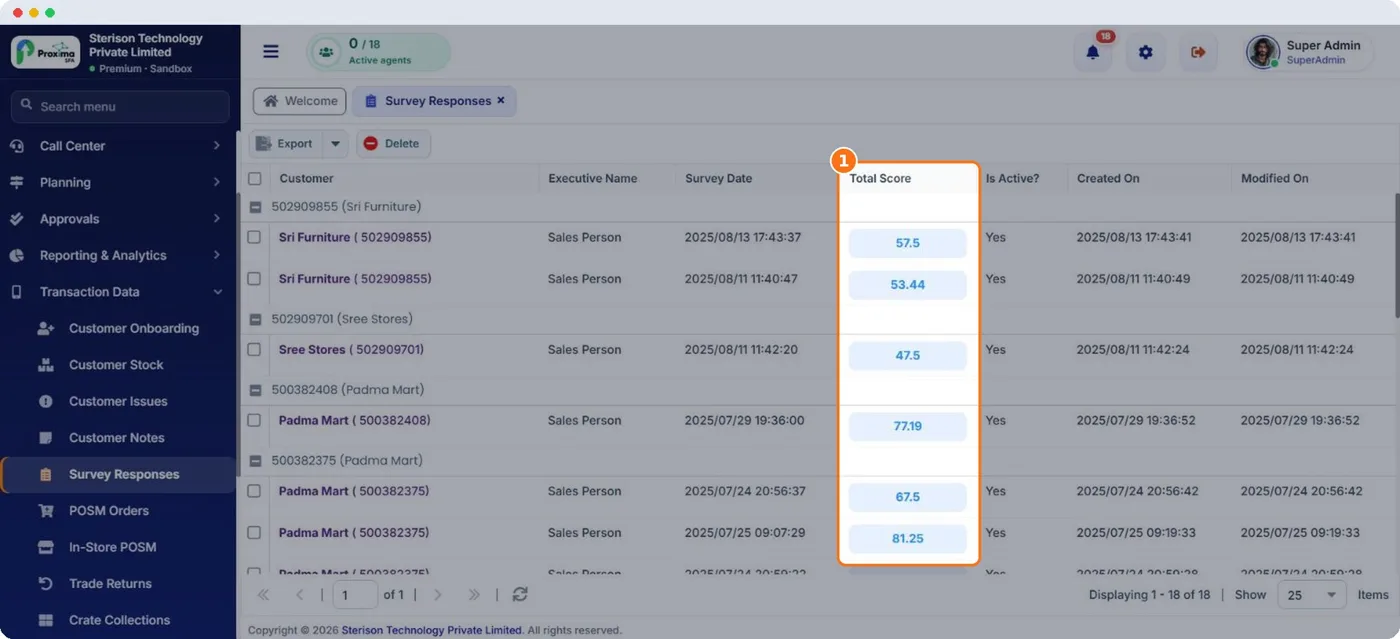
The survey score tells you, out of 100, how well a store meets your standard. It is built from weights you set, so what matters most to you counts most.
- Each question has a weightage: its share of the scene.
- Each answer has a weightage: how much of the question's value that answer earns. For a Yes/No question, Yes might earn all of it and No none.
- A question earns its weightage multiplied by the share its answer earns. The store's score adds up what every question earned.
| Example question | Weightage | Answer given | Answer earns | Score |
|---|---|---|---|---|
| Must have products on shelf? | 40% | Yes | 100% | 40 |
| Cooler clean? | 30% | Rating 3 of 5 | 60% | 18 |
| Facings of our brand | 30% | 4 to 6 facings | 50% | 15 |
| Total | 73 |
Tip
Give the biggest weight to what drives sales, usually availability of must have products, and smaller weights to nice to haves.
Related guides: Reading survey results · Must have and focus SKUs.
Still stuck?
Message our support team on WhatsApp in English, Tamil, Malayalam or Hindi.